How it works
It listens. It updates.
You move forward.
Most of what gets lost between meetings isn't forgotten — it just never had anywhere to go. In Parallel gives it somewhere to go.
No setup, no behaviour change
Your team runs meetings exactly as they always have.
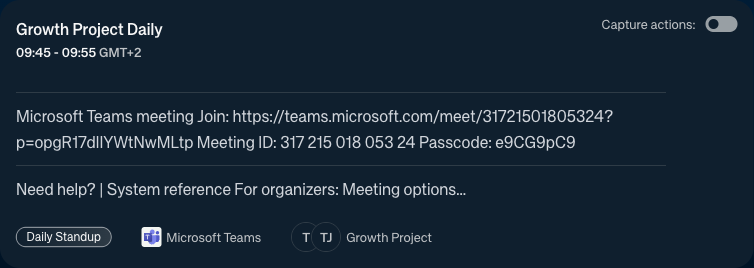
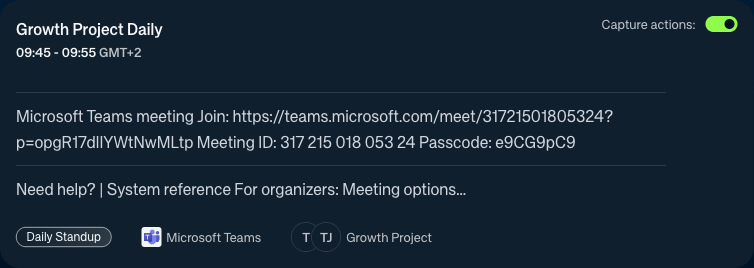
Connect your calendar once. In Parallel joins as a named participant and quietly does its job. No plugin, no app to install, no training session. The people in the meeting don't change a thing — and neither do you.
- Works with whatever your team already uses — Zoom, Teams, Meet
- Invite once. It shows up for every meeting that follows.
- You decide what gets captured — nothing runs without your say
- No recording banner. No awkward pause. The conversation stays natural.
30 minutes before
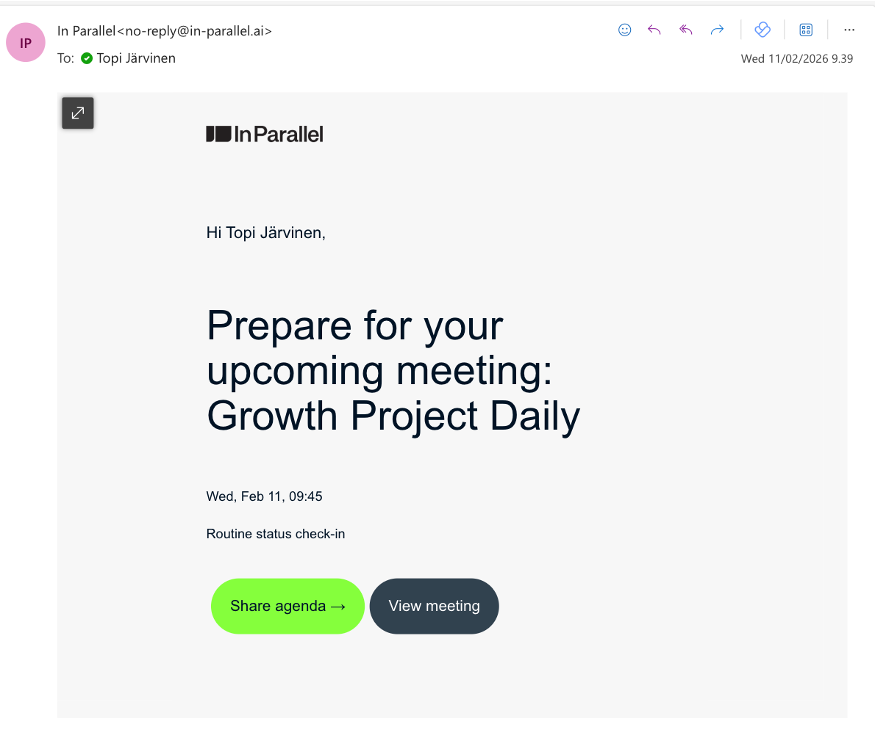
Walk in knowing everything that matters.
No more opening four tabs to remember what was decided last week. Before every meeting, In Parallel puts what's unresolved, what's overdue, and what the rest of the org has been deciding — right in front of you. Everyone walks in on the same page.
-
Open decisions from last session
So you close what's been hanging — not rehash it from scratch
-
Commitments due for review
So nobody gets blindsided by something they agreed to three weeks ago
-
Context from adjacent meetings
So you're not making decisions in a vacuum while the rest of the org has moved on
-
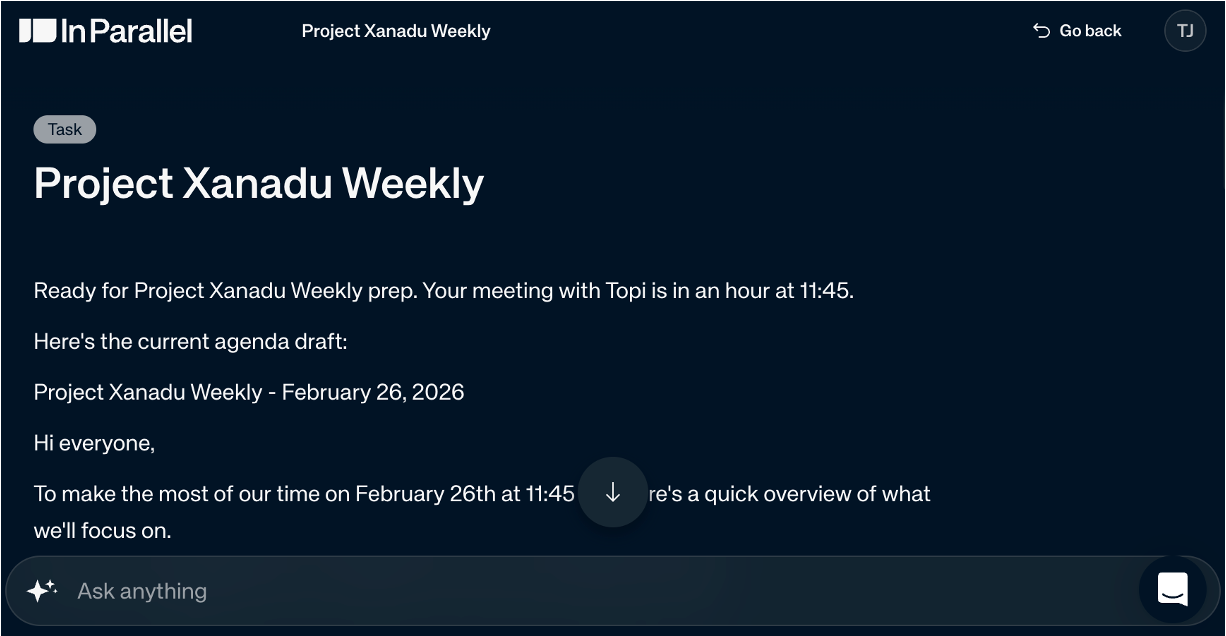
Ask anything before you walk in
One question to the brief — and you already know where it's going
While you're in it
Every decision lands. No one had to write it down.
For the first time, you can actually be in the meeting — not managing notes and watching the clock. Everything is captured as it happens, structured before the call ends.
What it captures
- Who said what, beyond what was said
- Every decision, and who made it
- Every commitment, and who owns it
- Risks and blockers named in passing — not lost
- Questions left open — flagged, not forgotten
- Ownership that shifted during the call
analysing priorities...detecting ownership gaps...scanning for risk...checking deadline drift...mapping dependencies... analysing priorities...
What will miss next 14 days if we change nothing?Who owns the blockers no one is talking about?Which decisions from last week haven't landed yet?Where is the plan drifting from what actually happened?What commitments are at risk this sprint? What will miss next 14 days if we change nothing?
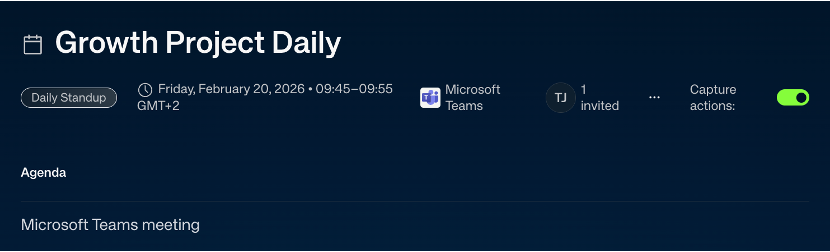
The moment it ends
The moment the call ends, everything updates.
No follow-up to write. No plan to manually update. No tickets to create. Everyone who needs to know already knows — before they open another tab.
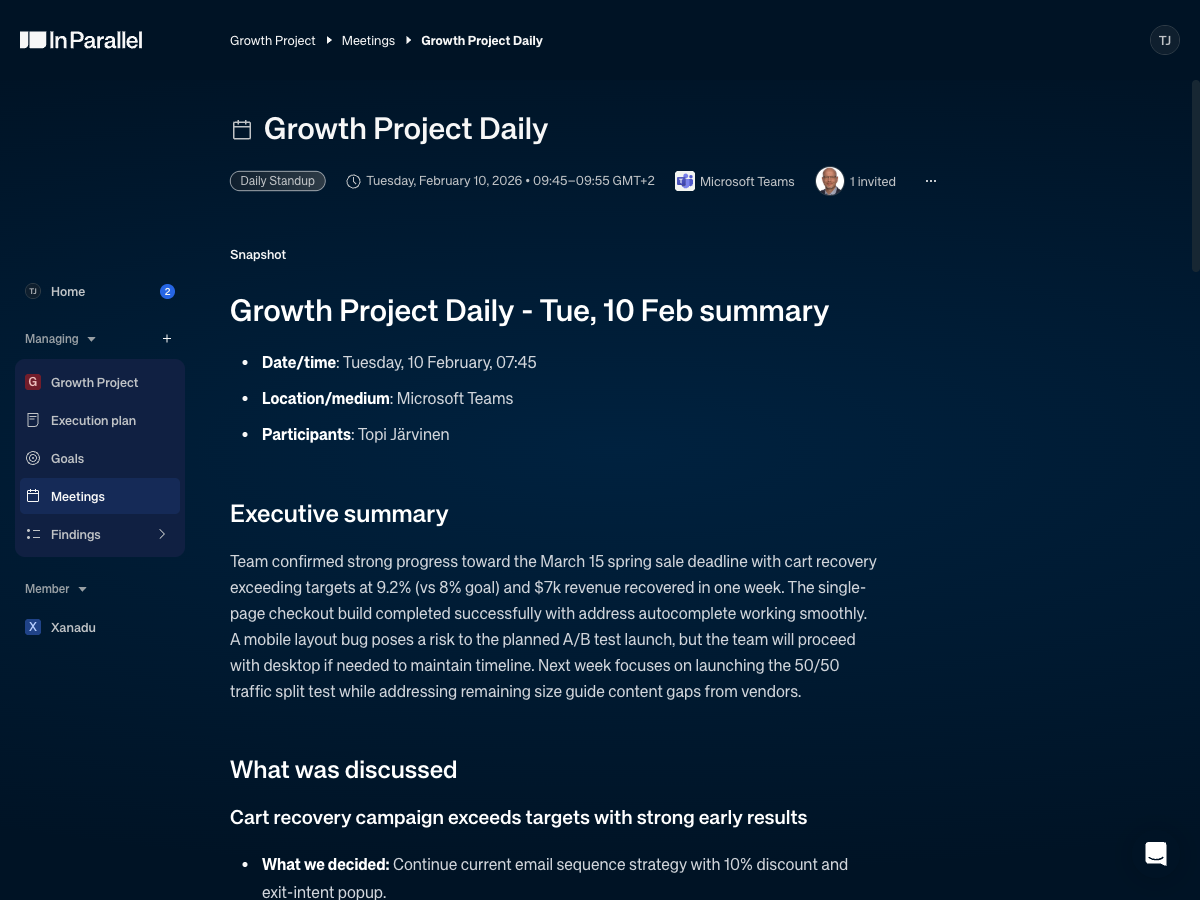
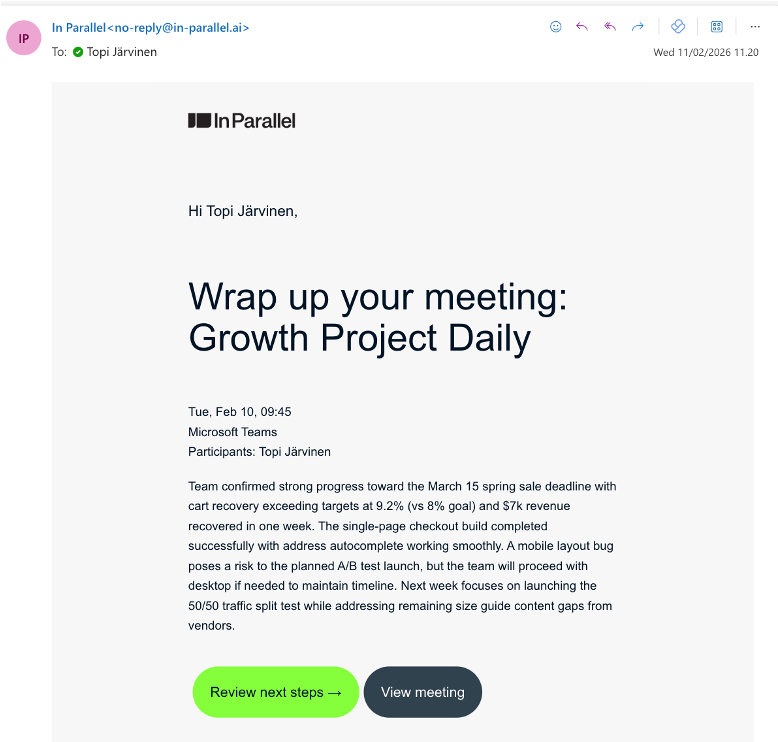
Summary email — sent automatically to all attendees
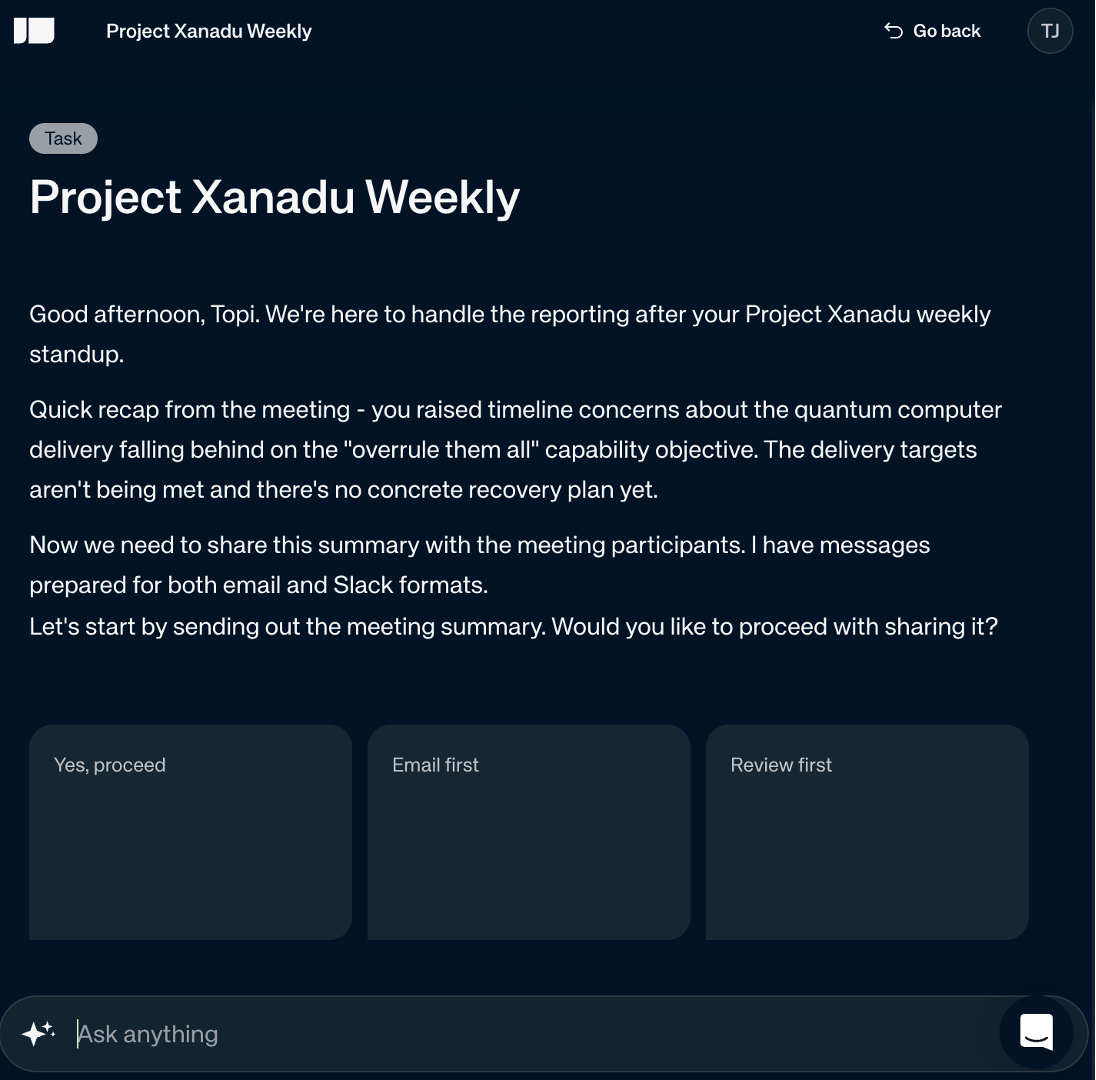
AI chat — ask anything about what was decided
The living plan
What changes in meetings changes the plan.
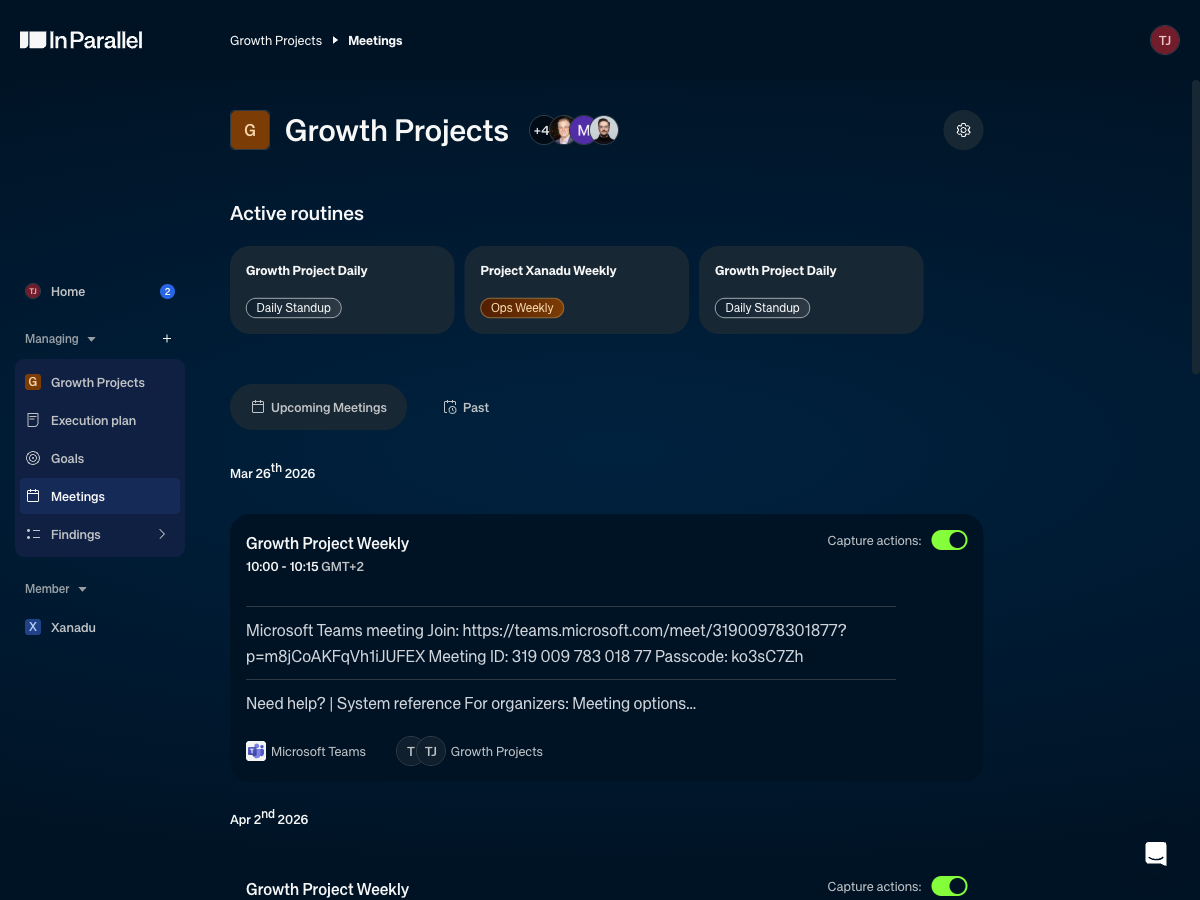
Most plans are written once, then quietly ignored as reality moves on. In Parallel keeps the plan honest: every signal from every meeting flows into the execution model. What you look at tomorrow reflects what happened today.
Signal
"Actually, let's give that to Sarah"
Auto-update
Task ownership updated in Jira, Linear, or Asana — before the call ends
Signal
"That's going to be a problem for the launch"
Auto-update
Risk surfaced on the relevant milestone in the plan
Signal
"We're not going to hit that by Friday"
Auto-update
Downstream items reprioritised — no one has to redraw the plan
Signal
An action nobody followed through on
Auto-update
Back on the agenda next session — automatically
Signal
"We're shifting our Q3 focus"
Auto-update
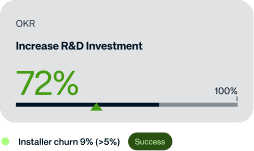
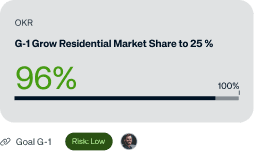
OKR platform updated — progress recalculated against what actually matters now

Plug in, don't swap out
Works with what you already use.
Don't see yours? We'll add it.
Microsoft 365 Copilot
Connect all your work items on Microsoft 365.
Microsoft Teams
Transcribe your calls and chats.
Microsoft Sharepoint
Easily attach files to tasks to keep teams and work connected.

Microsoft PowerBI
Access your existing business intelligence and analytics.

Microsoft Outlook
Sync your task and project deadlines to your Outlook calendar.
Slack
Get updates, create and delegate tasks without leaving Slack.

Google Workspace
Connect all your work items on Google Workspace.
Google Calendar
Sync your task and project deadlines to your work calendar.

Google Meet
Transcribe your calls and chats.

Linear
Connect your system for modern software development.

Atlassian Jira
Connect your system for modern software development.
Hubspot
Connect your CRM and marketing intelligence.

Salesforce
Connect your CRM and marketing intelligence.

Asana
Connect your system for modern software development.
Start with your next meeting.
Bring your team in. Use every surface, including every other team's. No credit card. The full product is free for 20 days.
30-minute demo. We'll show you how meeting signals become a plan that maintains itself.